Write your screenplay.
Anywhere.

Industry-standard screenwriting for iPad, iPhone and Mac. Real pages, real formatting, and the tools to plan, hear and measure your story.
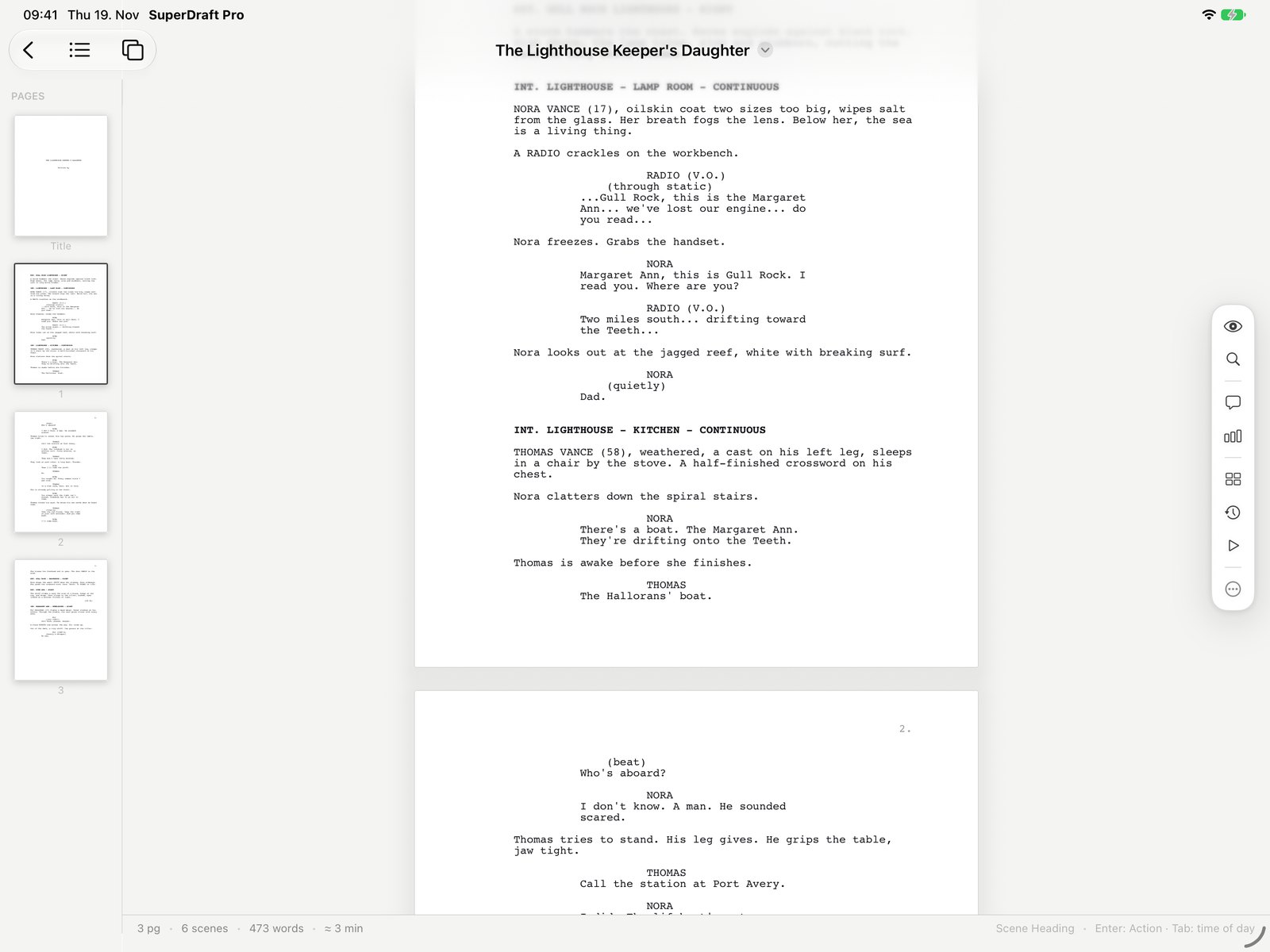
SuperDraft Pro on iPad: a screenplay page with scene headings, action and dialogue

Everything a script needs.
Nothing it doesn't.

Type and the page formats itself. Tab and Return move you between scene headings, action, characters and dialogue, just like the tools the industry uses.

Hear it read aloud

Start a table read and listen to your scenes. The line being read is highlighted on the page, so you catch the dialogue that doesn't land.
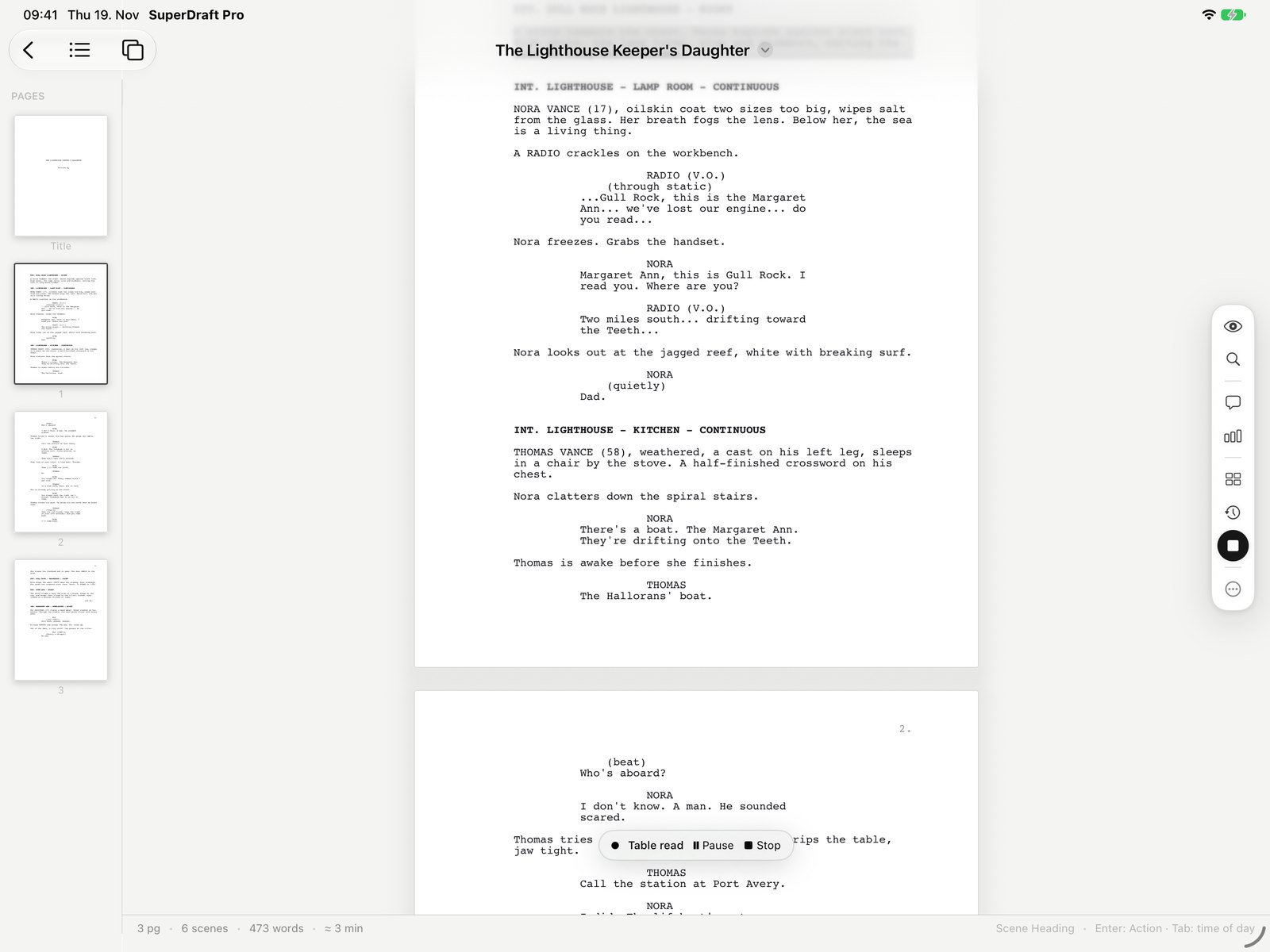
Table read highlighting the line being read

Plan the story in beats

Lay out three acts on the beat board before the scenes exist, then link each beat to the scenes that play it.
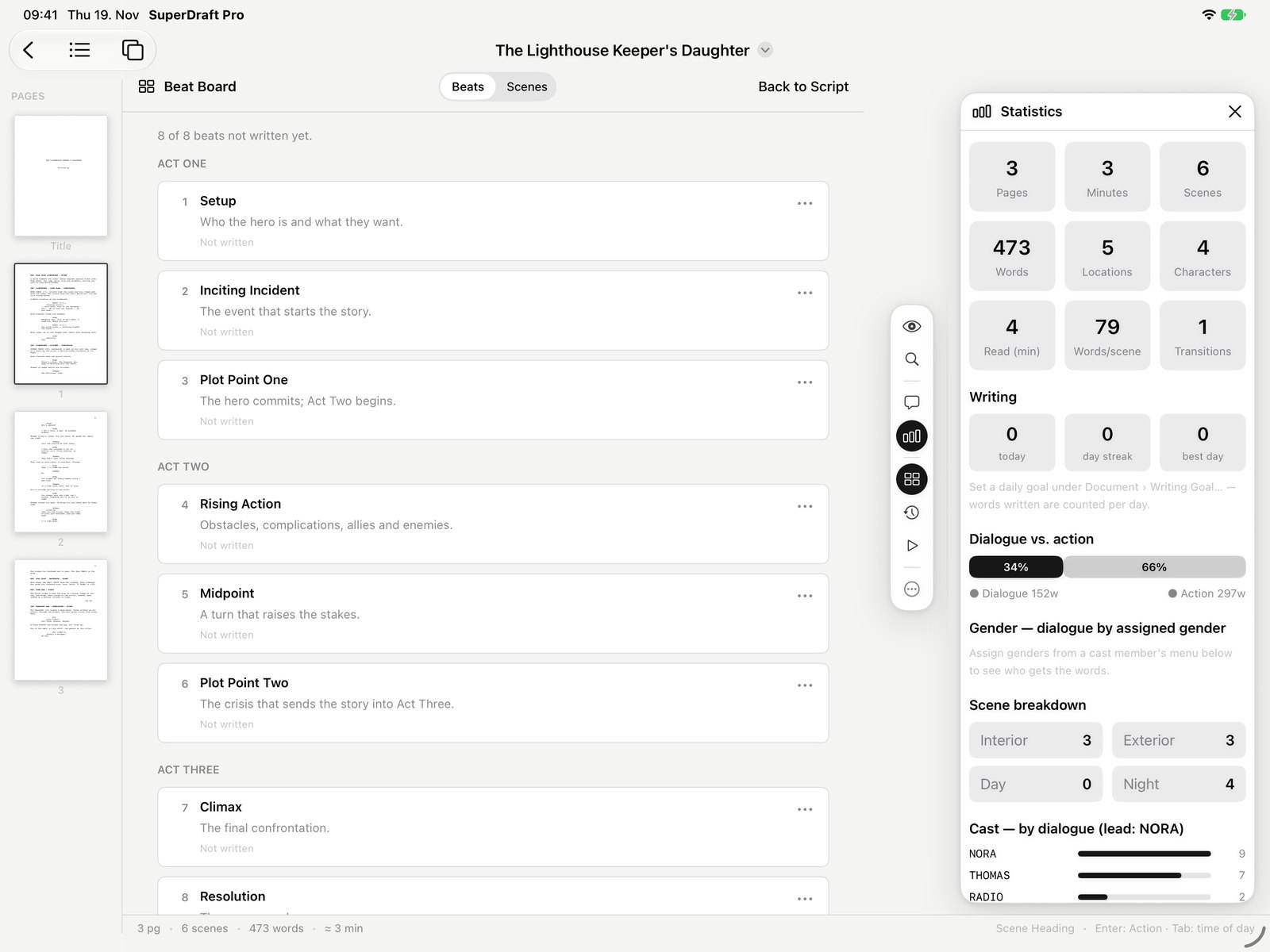
Beat board with three acts next to script statistics

Every scene, one board

See each scene as a card with its heading, a summary and its length in eighths of a page.
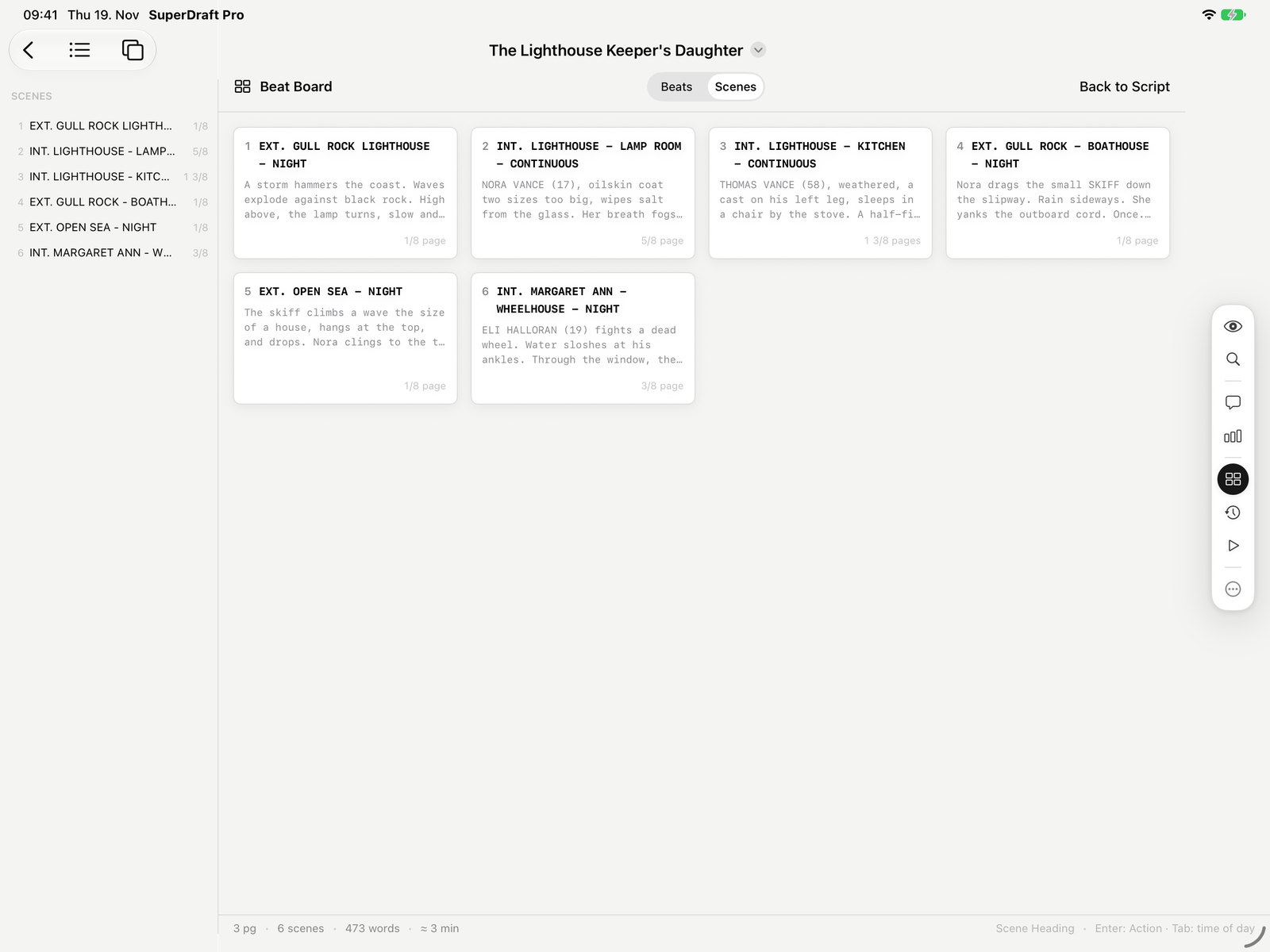
Scene cards with headings and page lengths

Know your script

Pages, runtime, scenes, locations, cast and the balance of dialogue and action, updated as you write.
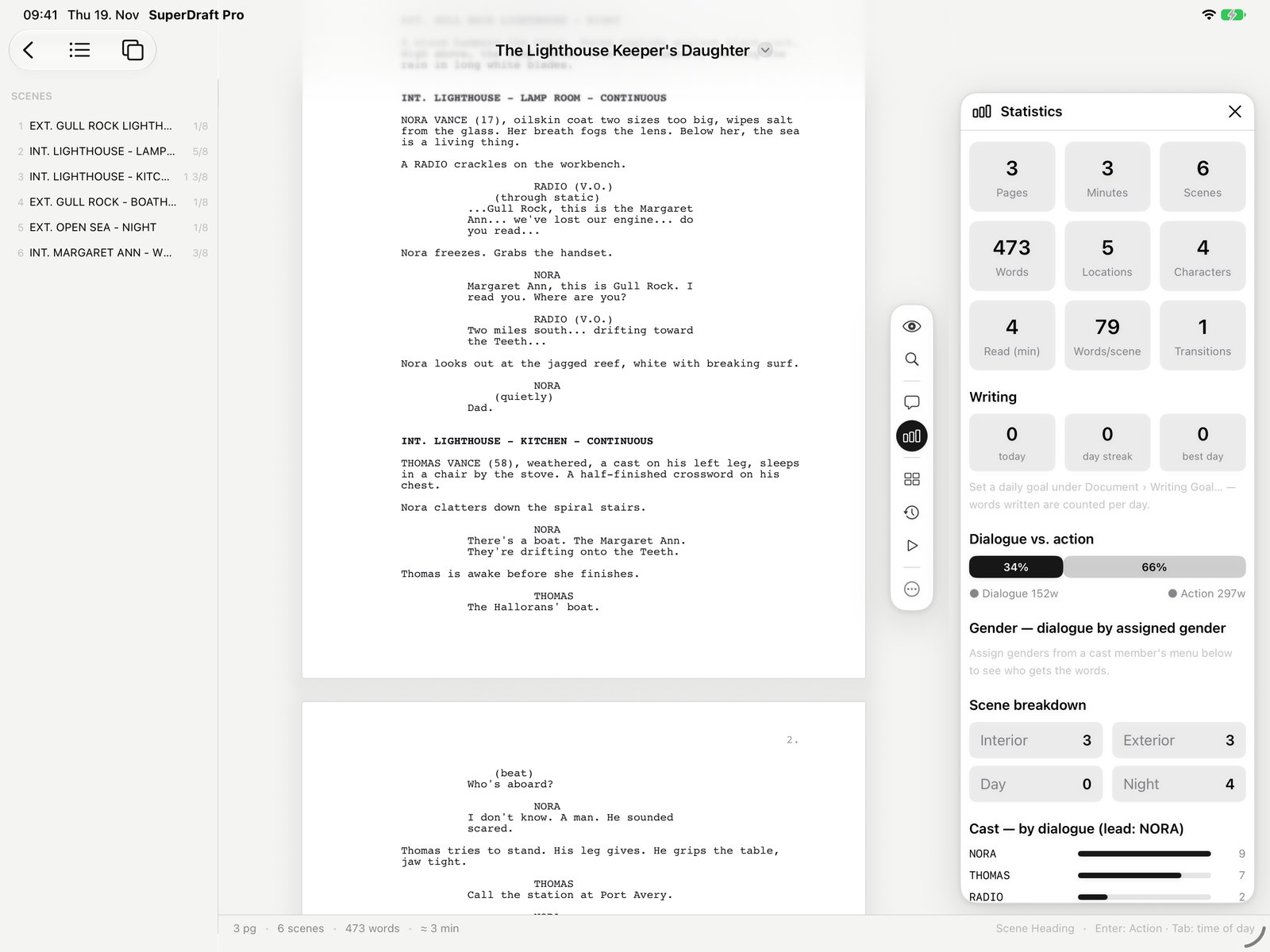
Statistics panel next to the script
Final Draft & FountainOpen and save .fdx and .fountain files. Import PDF and Pages scripts.
Print-ready PDFIndustry layout with title page, in colour or monochrome.
Comments & versionsLeave notes on any line and go back to an earlier draft.
TV and stage formatsScreenplay, one-hour drama, multi-camera sitcom and stage play.
Focus modeFade everything but the line you're writing.
iCloud DriveYour scripts on every device, in your own iCloud.

Your script, in your pocket.

The same real pages on iPhone. Fix a line on the train, then pick up on iPad or Mac where you left off.
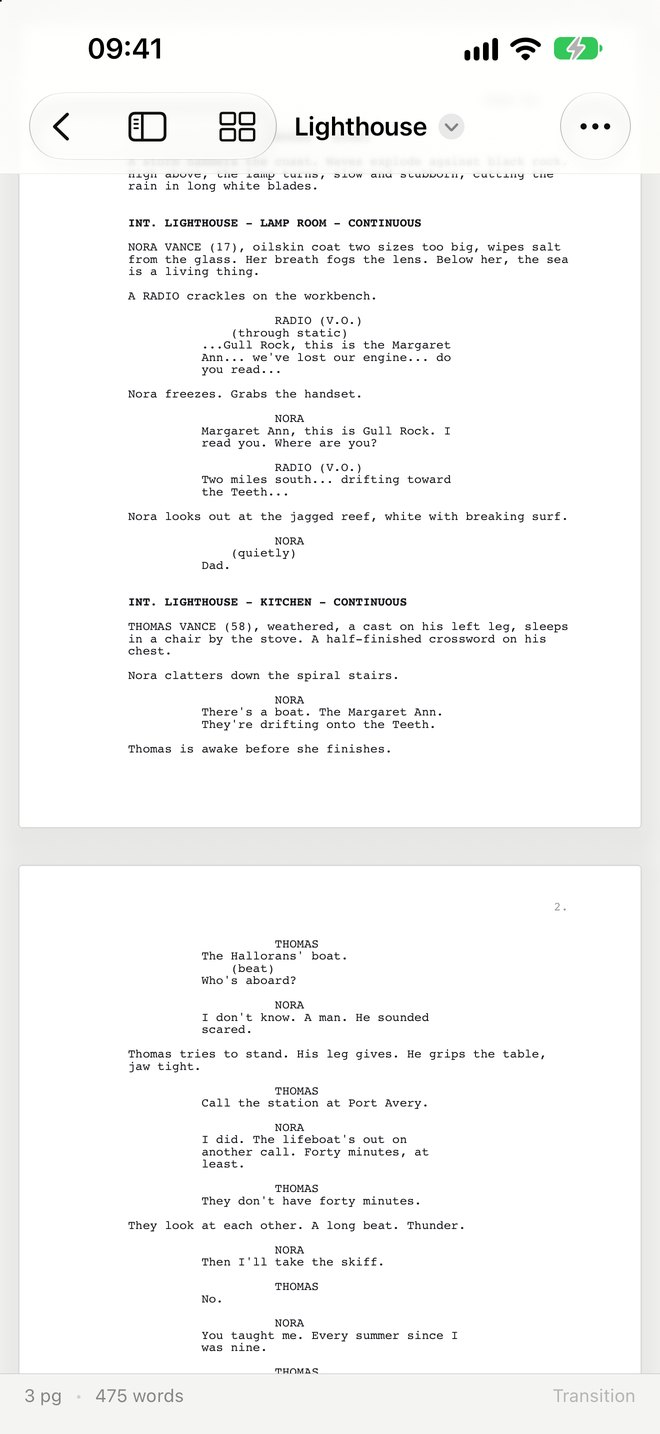
SuperDraft Pro on iPhone

Support

Questions, a bug, or a feature you're missing? Write to me@pung.me and you'll get an answer from the person who makes the app.

Where are my scripts?In iCloud Drive, in the SuperDraft Pro folder, when iCloud Drive is on. Otherwise on the device, in the app's folder in Files.
Can I move from Final Draft?Yes. Open your .fdx file in SuperDraft Pro and save it back as .fdx at any time.
Do I need an account?No. There is no sign-in, and nothing about you or your scripts is collected. See the privacy policy.